Calculate print size from the pixel dimensions of your film scans
Key Takeaway
To plan a print from a film scan, check its width and height in pixels. At 300 ppi, divide each dimension by 300 and multiply by 2.54 for centimeters. After cropping, use the remaining pixels.
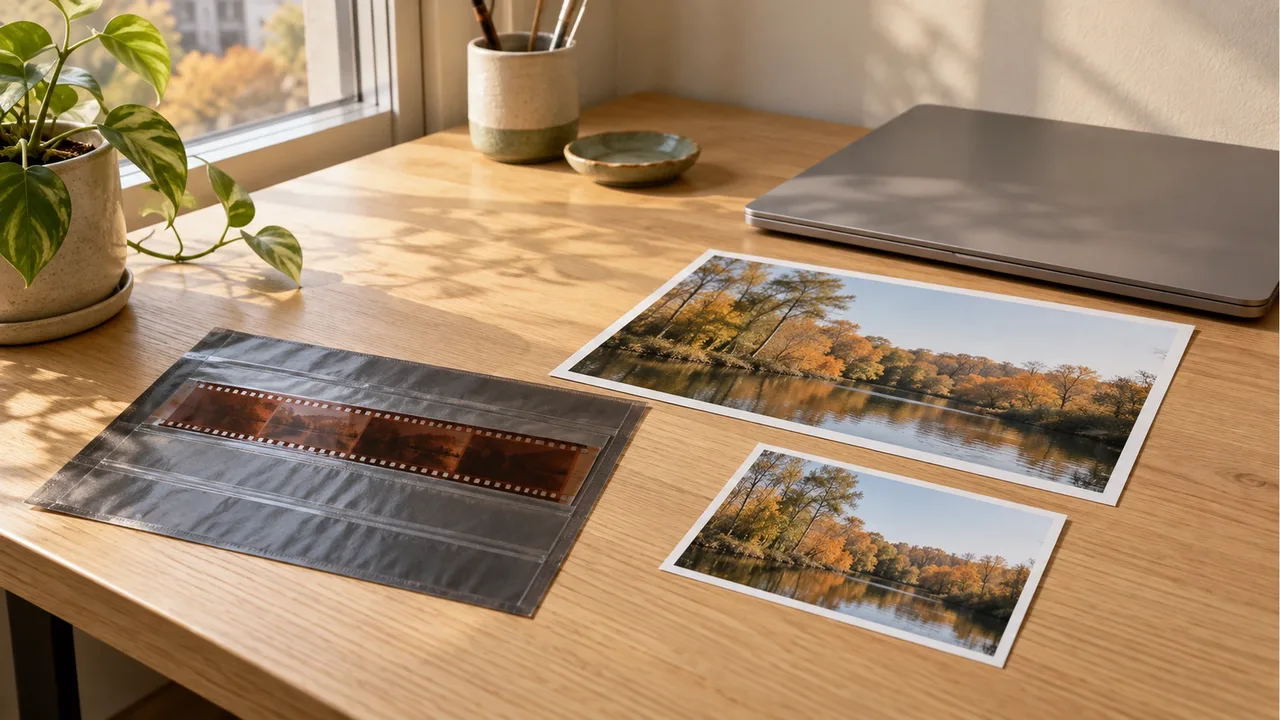
Use these calculations to decide what to order from the same scan, whether you want a small frame for autumn travel photos or one large print.
Which numbers should you check in the scan file?
Look in the image information for dimensions such as 3000 × 2000px. Choosing a print size from a file's 72dpi or 300dpi label alone can leave you unsure whether it has enough pixels.
In Adobe's explanation of printed image resolution, ppi means the pixels assigned to each printed inch. Changing ppi without resampling preserves the pixel count and changes the physical print size. Raising that number alone adds no image detail.
In Photoshop, open Image > Image Size to see pixel dimensions and resolution together. The official settings guide identifies Dimensions as the pixel dimensions, Resolution as ppi, and Resample as the option that adds or removes pixels. Turn resampling off when checking the size relationship alone.
How large is the calculated print at 300 ppi?
These examples assume 300 ppi. They do not describe a particular lab's scan packages or guarantee print quality.
Print dimension (cm) = pixels along that edge ÷ output ppi × 2.54
| File width × height | Calculated size at 300 ppi | What to check before ordering |
|---|---|---|
| 1800 × 1200px | About 15.2 × 10.2cm | Check what will be cropped in a small print |
| 3000 × 2000px | About 25.4 × 16.9cm | Check whether it matches your frame's proportions |
| 4500 × 3000px | About 38.1 × 25.4cm | Check original focus and camera shake before enlarging |
Values are rounded to one decimal place. For example, a width of 3000px gives 3000 ÷ 300 × 2.54 = 25.4cm. Calculate the height separately.
Epson's film scanning guide gives 300dpi as an example for printing and directs users to set the output size with Target Size. That value is the output basis used here. Distinguish the resolution used to read the original film from the final print resolution; this does not mean that all film should be scanned at 300dpi. Checked on October 24, 2026.
How does cropping change the calculation?
Suppose you crop a 3000px-wide photo down to 2400px. At 300 ppi, the calculated width drops from 25.4cm to about 20.3cm. Using the original dimensions after cropping misses that difference.
Compare the proportions of the paper and the photo too. When they differ, filling the paper may crop part of the image, while fitting the entire photo may leave borders. Check the order preview for faces or building edges being cut off, then choose whether to fit the whole image or fill the paper.
If there are too few pixels, choose a smaller print or ask whether the original film can be rescanned. Do not compare an upsampled file with a scan originally captured at those dimensions as if their starting conditions were identical.
Which file requirements should you ask the lab about?
Rather than ordering from the scan option's name alone, confirm these details.
- Ask for the delivered file's width and height in pixels.
- State your desired print size in centimeters and ask for the recommended output ppi.
- Decide whether to fit the whole image or fill the paper, and whether to include borders.
- If you need a rescan, check how to submit the original negatives and specify frame numbers.
A correct calculation cannot make a misfocused or motion-blurred photo sharp. Before ordering several large prints, you can check the size and cropping with a print of the selected frame. For processing and file delivery requirements, continue to the C-41 processing and scanning checklist.
Apply your crop to a copy of the selected photo, and keep the uncropped original scan separately.
Frequently Asked Questions
What should I keep if I may need another scan?
Keep the original negatives and their corresponding frame numbers. Before arranging a rescan, ask whether the lab accepts stored film and can supply the width and height you need in pixels. If the lab still has your negatives, first check whether they will be returned.
Can I print a photo received through a messaging app?
Compare its pixel dimensions with the original scan you received. If they differ, order from the original file supplied by the lab. The extension or a phone preview alone does not establish that the files are the same.
Does a larger file size mean I can make a larger print?
Do not decide from the MB count alone. Compression can change the file size, so check width and height in pixels first. Even with matching pixel dimensions, the capture and scan quality need separate attention.
Sources & Verification Date
- Adobe Photoshop guide to printed image resolution · Verified
- Adobe Photoshop guide to setting image size and resolution · Verified
- Epson guide to film scan settings and output size · Verified
All materials have been verified from official announcements and may have changed since verification.